How to Extend Phone Battery Life: Top 7 Practical Methods
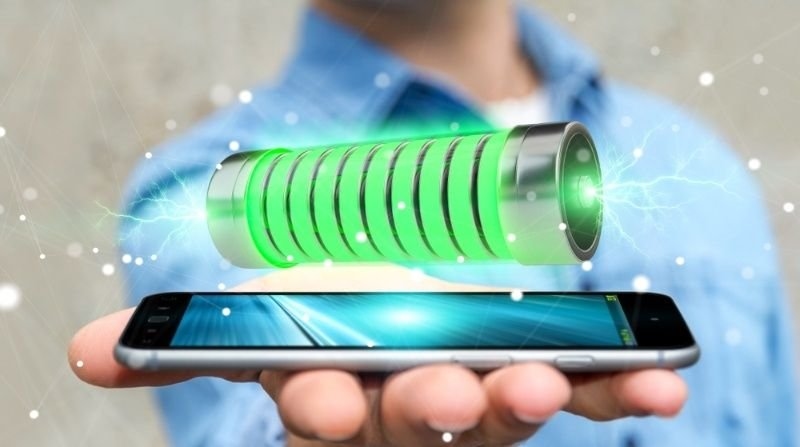
Nothing ruins a day faster than watching your battery icon flash red when you are miles away from a charger. You step out for an afternoon of travel or work, and by four o'clock, you are hunting for an empty wall outlet in a coffee shop.
Most users blame their hardware when their device dies early. In reality, modern mobile operating systems run dozens of hidden background services that silently eat through your milliamp-hour reserves. If you want to extend phone battery life without carrying a bulky external power bank everywhere you go, you need to change how your software uses power.
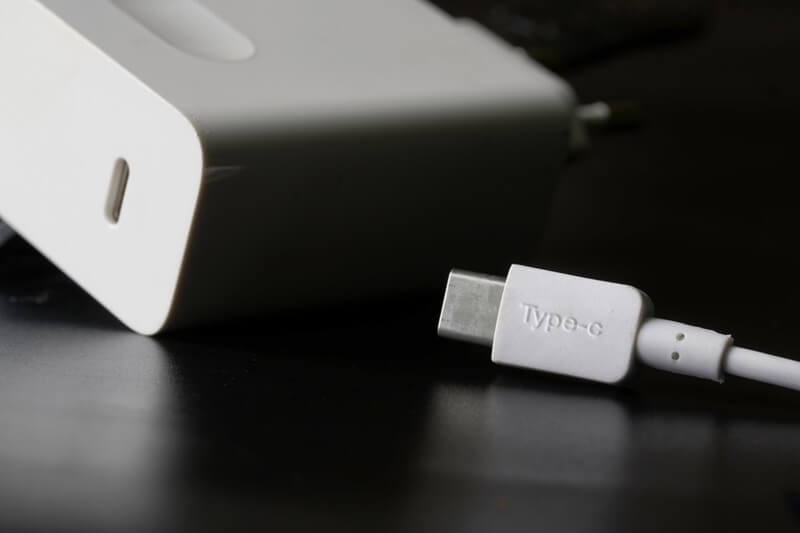
Must Read: Anker USB-C Charger Guide on How to Choose the Right One
Why Does Your Phone Die Before the Workday Ends?
Hardware specifications have improved dramatically over the last decade, but apps have grown heavier to match. Crisp high-refresh-rate screens and continuous background syncing demand massive amounts of energy. Every time an application wakes up your processor to check for messages, your power drain spikes.
The biggest hidden culprit isn't even on your screen—it is your cellular modem. When you commute through an area with spotty coverage, your phone amplifies its internal radio signal to hunt for a tower connection. That continuous search generates heat and burns through charge faster than watching 4K video. The best battery-saving tips start with controlling inefficient background processes before they drain your hardware dry.
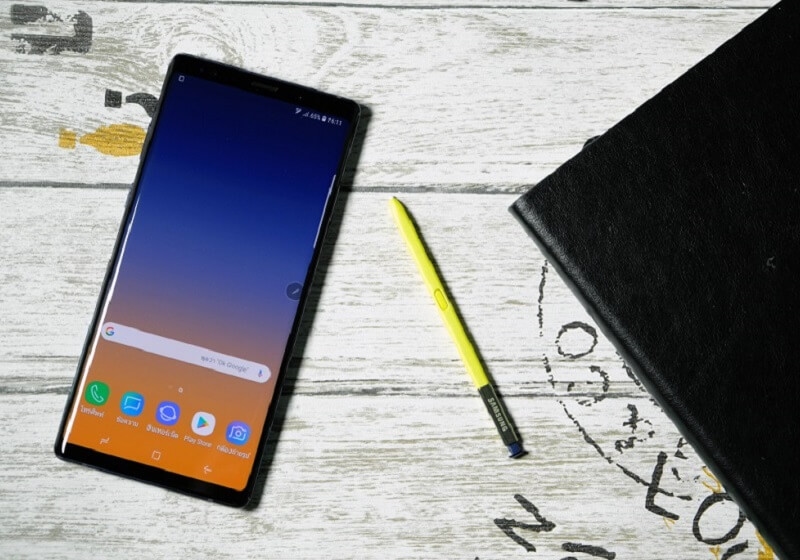
Top Pick: Reasons Why Samsung Note is the Best Smartphone in Market
7 Practical Methods to Extend Phone Battery Life
Making your device last all day comes down to eliminating unnecessary power draw. You can check the following list to find the 7 most practical methods to extend battery life:
1. Turn Down Screen Brightness and Use Auto-Brightness
Display panels consume more energy than any other component inside your device. Manually dimming the slider indoors saves massive amounts of power, while letting ambient light sensors handle brightness outdoors prevents unnecessary screen glare.
2. Cut Your Auto-Lock Timeout to 30 Seconds
Leaving a display lit after you set the phone down is pure waste. Drop your screen timeout down to half a minute so the panel shuts off the second you finish reading a text.
3. Kill Background App Refresh for Non-Essential Apps
Social media and news apps love to wake up your processor every few minutes to fetch updates. Restrict background syncing to critical communication tools like work messaging and primary email accounts.
4. Switch to True OLED Dark Mode
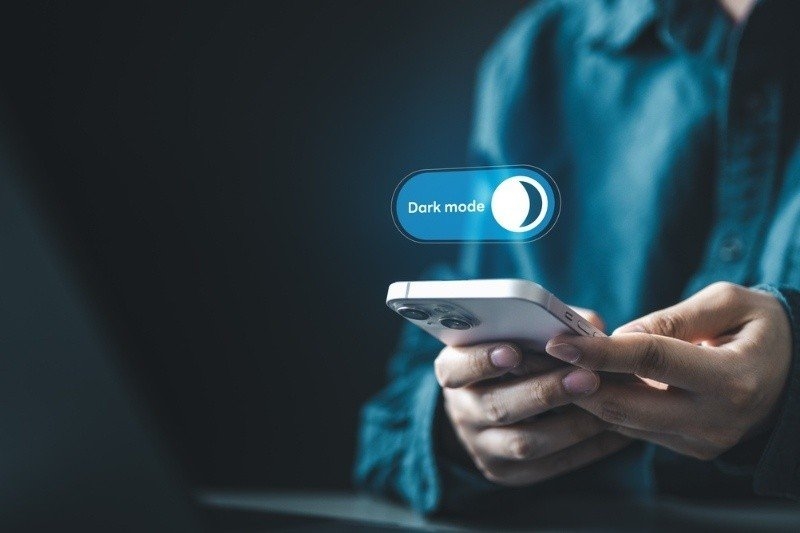
Modern OLED screens illuminate every individual pixel independently. Using a pitch-black theme means black pixels stay completely turned off—saving real hardware power every time you open an app.
5. Revoke "Always On" Location Tracking Permissions
GPS chips draw serious wattage when they ping satellites continuously. Go into your privacy settings and force apps to only access your location while the program is actively open on your screen.
6. Use Airplane Mode in Cellular Dead Zones
If you are sitting in a concrete basement or a remote cabin with no reception, your cellular radio will fry your battery trying to connect. Flip on Airplane Mode until you get back to a solid signal area.
7. Disable Haptic Keyboard Feedback
Tiny physical vibration motors need a surprising burst of electricity to spin up for every tap. Turn off keyboard haptics if you type long emails or reports from your phone.
How do Heat and Fast Chargers Wreck Lithium-ion Cells?
Extreme heat destroys lithium-ion chemistry faster than almost anything else. Charging your phone on a sun-drenched car dashboard or playing heavy 3D games while plugged into a high-wattage power brick cooks the battery cells.
When battery temperature crosses 95°F, internal resistance rises and permanently degrades the chemical layers inside the pack. That is why your phone gets hot and sluggish during intense tasks. Good smartphone battery health means keeping the device cool. Remove thick protective cases before plugging into rapid chargers so trapped heat can escape through the back panel.
Long-Term Maintenance Tips for Smartphone Battery Health
Protecting your battery capacity over multiple years requires smart charging habits. Here is how to maintain your hardware so it holds a charge like new:
1. Avoid Deep Zero-to-Hundred Discharge Cycles
Letting a lithium-ion battery die completely stresses the internal voltage regulators. Aim to keep your normal daily charge floating between twenty and eighty percent for the best mechanical longevity.
2. Turn on Optimized Overnight Charging
Both Android and iOS offer built-in software tools that learn your sleep schedule. They hold the charge at eighty percent overnight and finish topping off right before your alarm goes off.
3. Use Quality Cables and Certified Power Adapters
Cheap gas station chargers don't regulate power correctly. They can blast your phone with random voltage spikes that fry the internal charging board and ruin your battery cells way before their time.
Conclusion
You don't need to turn your smartphone into a useless brick just to make it through a busy evening. Focus on the big power drains first—tame your screen brightness, stop background apps from constantly tracking your GPS location, and use Airplane Mode when cell service drops out. Small adjustments to your daily settings protect your hardware and keep your screen lit when you need it most.
Frequently Asked Questions
Does force-closing background apps actually save battery?
No—it usually does the exact opposite. Modern operating systems freeze background apps in memory so they consume zero CPU power. Force-closing an app means your processor has to work twice as hard to reload all that data from scratch the next time you open it.
Why does my phone battery drain so fast out in the cold?
Freezing weather slows down the chemical reactions inside lithium-ion cells. That temporary drop in voltage tricks your phone's power meter into thinking the battery is dead, which can trigger random shutdowns until the hardware warms back up to room temperature.
Should I replace my battery once maximum capacity drops below 80%?
Yes. Once your battery drops past that eighty-percent mark, it struggles to deliver clean power. Your phone slows down its own processor so it doesn't randomly shut off—which is why your apps suddenly start lagging and freezing.
Do wireless charging pads degrade battery cells faster than standard cables?
Inductive charging pads generate significantly more waste heat than a standard USB cable. That extra thermal load sits directly against the back of your phone, which can accelerate long-term chemical degradation if you use wireless pads every single night.
Can bad Wi-Fi or Bluetooth connections ruin my daily battery life?
Leaving Bluetooth and Wi-Fi toggles turned on consumes negligible power on modern chips. What actually drains your battery is leaving your Wi-Fi connected to a weak, unstable router where the phone has to constantly drop and reconnect to the network.