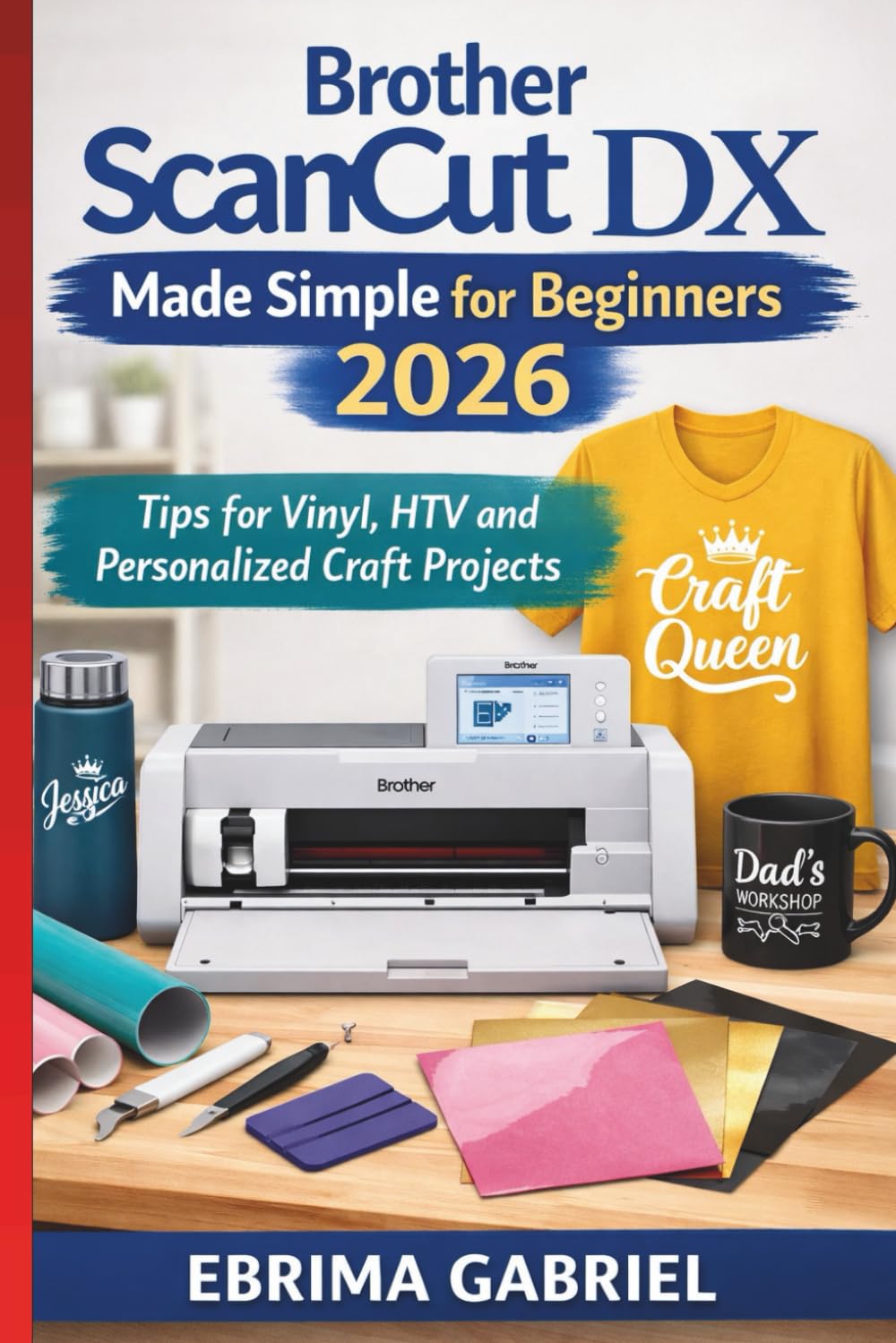
What if the craft machine sitting on your table could create professional-looking projects at home—without complicated software, frustrating trial and error, or wasted materials? Many new owners of the ScanNCut DX quickly discover that the machine is powerful, but the learning curve can feel overwhelming at first. Menus, settings, scanning functions, blade adjustments, file formats, and material choices can turn a simple craft idea into hours of confusion. That’s exactly why this beginner-friendly companion was created. Brother ScanNCut DX Made Simple for Beginners 2026 is designed to help new users move from uncertainty to confidence while learning how to unlock the full potential of their cutting machine. Instead of overwhelming technical explanations, this guide explains the process in clear, practical language so you can start creating right away. Whether you want to design personalized gifts, craft beautiful cards, cut fabric for sewing projects, or produce vinyl decals for home décor, the ScanNCut DX can do far more than most beginners realize. The challenge is knowing where to start, how to set up your machine correctly, and which features will save you the most time. Inside this guide, you’ll discover how to confidently navigate the machine’s interface, understand scanning technology, and work with a wide range of materials including paper, vinyl, fabric, and heat transfer sheets. You’ll also learn how to avoid the most common beginner mistakes that lead to wasted materials and frustrating results. Beyond the basics, the book gradually introduces more advanced capabilities of the ScanNCut DX—showing how to turn simple designs into polished craft projects that look like they came from a professional workshop. This practical guide helps you: • Understand the ScanNCut DX interface and essential settings without technical confusion • Learn how the built-in scanner works and how to turn drawings or printed images into cut files • Cut vinyl, paper, cardstock, fabric, and heat transfer materials with accurate settings • Create personalized cards, stickers, decals, labels, and handmade gifts • Discover practical crafting projects you can complete even as a beginner • Avoid common cutting mistakes that damage mats, blades, or materials • Organize your workflow so projects become faster and more enjoyable You’ll also find guidance on selecting materials, maintaining your cutting mat and blade, managing design files, and preparing projects so your machine delivers consistent results every time. Many beginners buy a craft cutting machine with big creative plans but end up using only a fraction of its capabilities. With the right knowledge, however, the ScanNCut DX can become one of the most versatile tools in your craft room. The real question is simple. Will your cutting machine remain an expensive gadget you barely use… or become the creative tool that transforms your craft ideas into finished projects you’re proud to share? Open the first page and discover what your ScanNCut DX can really do.