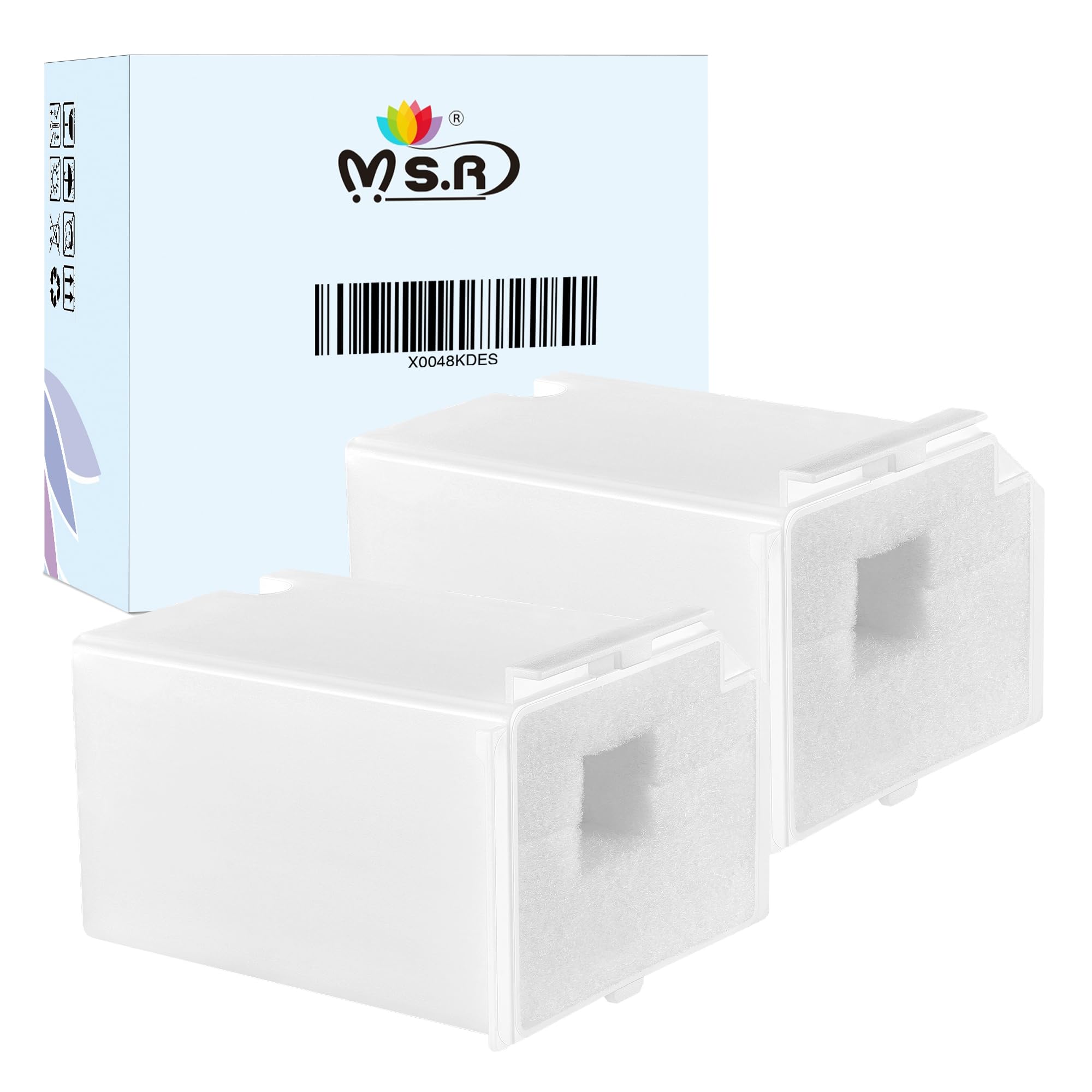
Solution: Say goodbye to printer error code "Waste Ink Pad needs service.E11" with the MS.R Waste Ink Pad Replacement. The kit not only includes a replacement maintenance box . Reset Support: For resetting the waste ink counter, you will require specific software and an activation code, available on providing a smooth solution to your maintenance needs. Broad Compatibility: This maintenance kit is compatible with various models, including ET-2720, ET-2803, ET-2800, ET-2711, ET-4700, L3110, L3210, L3150, L3250, etc. For unlisted printer models, feel free to contact our service for compatibility checks。 High-Quality Construction: The replacement tank features a super absorbent sponge and a high-strength body, ensuring durable and effective storage of waste ink Complete Package: The package includes 2 Replacement Maintenance Tank (Ink Pad Sponge Included) and 1 Seal bag, providing all the essentials to easily replace your printer's maintenance box Upgrade your printer's maintenance with the MS.R Waste Ink Pad Replacement. This kit serves as a comprehensive solution for the printer error code "Waste Ink Pad needs service.E11". It provides you with all the tools required for a smooth replacement process, including a replacement maintenance box, extra waste ink pads, a dual head screwdriver, and a seal bag. With broad compatibility, this maintenance kit fits a range of printer models including ET-2720, ET-2803, ET-2800, ET-2711, ET-4700, L3110, L3210, L3150, L3250, etc. For any unlisted models, our service is ready to assist with compatibility checks. It takes a total of two steps to accomplish:1. For resetting the waste ink counter, you will require specific software and an activation code, available on providing a smooth solution to your maintenance needs.2.Use a screwdriver to replacement the used-up waste ink collection pad with a new waste ink collection pad from MS.R。